
LinkedIn's New App Tracking Could Make or Break Your Profile

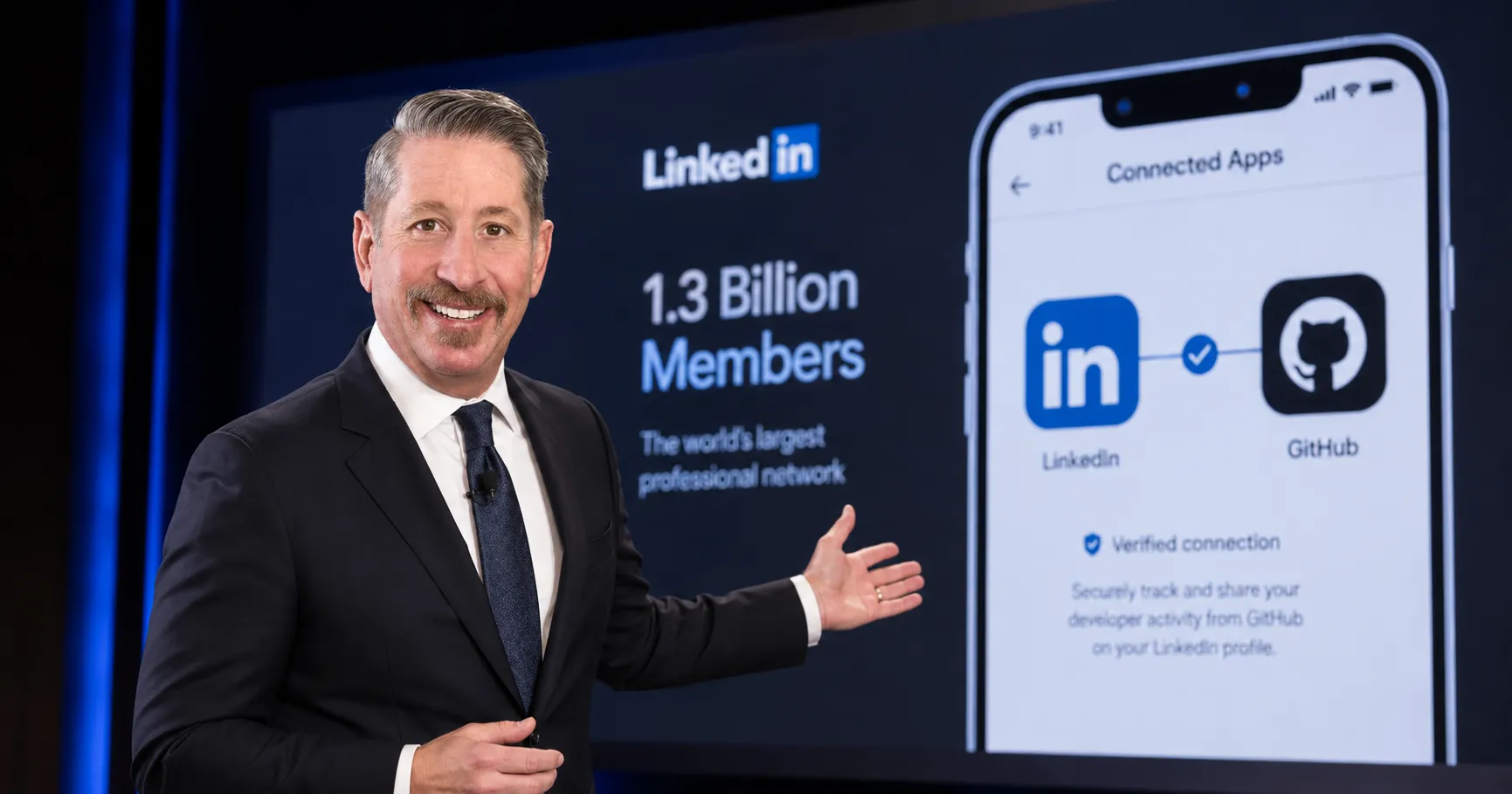
LinkedIn's Connected Apps feature shows recruiters your real software activity. Learn how to selectively connect apps to verify your skills and stand out.
Key Takeaways
- LinkedIn now verifies skills by showing recruiters your real, uneditable activity in connected apps like GitHub and Adobe.
- Curation is key; only connect apps where your usage is professional and relevant to your target jobs.
- The feature is opt-in but may become a standard expectation for job seekers to prove their competency.
On this page
LinkedIn has launched a new feature that fundamentally changes how skills are verified on your professional profile. Called Connected Apps, the tool moves beyond self-reported skills by showing recruiters direct, data-backed evidence of how you use key software.
The implications for job seekers are significant. The era of simply listing software on your profile is giving way to an era of provable competence.
The system works by linking supported applications directly to your LinkedIn profile. According to LinkedIn, the feature then generates a simple, uneditable statement based on your real activity within that tool. This summary is described as a "structured, data-backed description of what you actually do with the tool."
Users are notified when a summary is added or updated, but they cannot change the wording. This is designed to prevent inflation and provide recruiters with a credible signal of a candidate's abilities.
The initial list of supported apps includes Descript, Duolingo, Replit, and Relay.app. Critically, integrations with industry-standard tools like Adobe Express, Adobe Firefly, and GitHub are planned to launch soon.
For recruiters sifting through hundreds of profiles, this feature is a powerful filter. It allows them to distinguish between candidates who claim a skill and those who can demonstrate it. This could quickly create a disadvantage for professionals who choose not to connect their apps.
How to Curate Your Connected Apps
Since the descriptions are auto-generated, curating your profile is no longer about writing the right text. It's about strategically choosing which apps to connect and ensuring your activity within them is professional.
First, be selective. You should only connect applications where your usage is consistent and directly relevant to the roles you are targeting. Connecting every available app could dilute the impact of your most important skills.
Focus on connecting your 'power tools'. For a software developer, this would be GitHub. For a content creator, it might be Descript or Adobe Firefly. Highlighting your expertise in the one or two tools central to your profession sends a clear message to employers.
Before you connect an application, review your public-facing activity within it. For a platform like GitHub, this means ensuring your repositories are well-organized and your contributions are meaningful. Your real activity is now part of your resume.
While Connected Apps is currently an opt-in feature, its value to recruiters could make it a standard expectation. CEO Dan Shapero stated, "We're building new ways for members to show real, credible proof of what they're capable of."
For LinkedIn's 1.3 billion members, this marks a clear shift. Proving your skills is becoming just as important as listing them.
References:
- The Next Web, LinkedIn will now show recruiters which apps you actually use, not just which skills you claim. Accessed on Jun 18, 2026
- TechRadar, LinkedIn will now let you show off exactly what skills you have with all your favorite workplace apps. Accessed on Jun 18, 2026
About the author
The Mixstackrr Team is a group of writers and editors with more than 10 years of combined experience in SEO and consumer tech. We test devices, dig through settings, and turn everyday tech problems into clear, step-by-step guides anyone can follow.