
Category
Chromebook
How-to guides, troubleshooting tips, and real fixes for your Chromebook. Learn how to speed it up, record your screen, take screenshots, and get more out of ChromeOS
13 guides · Updated regularly
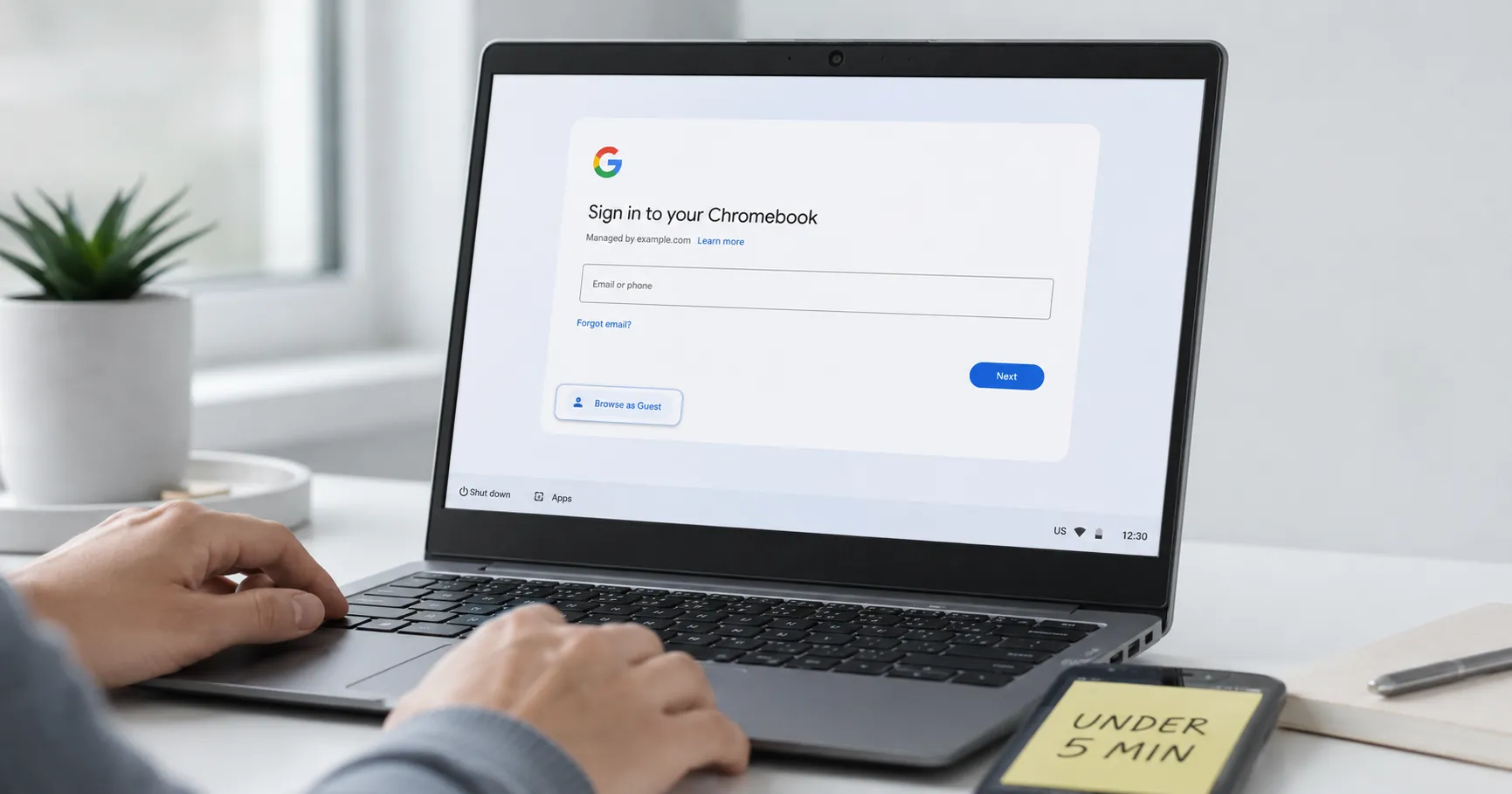
Chromebook Keyboard Not Working: How to Fix It
Chromebook keyboard not working or typing wrong letters? Fix the software cause first, settings, layout, and an EC reset, before you blame the hardware.
All Chromebook guides
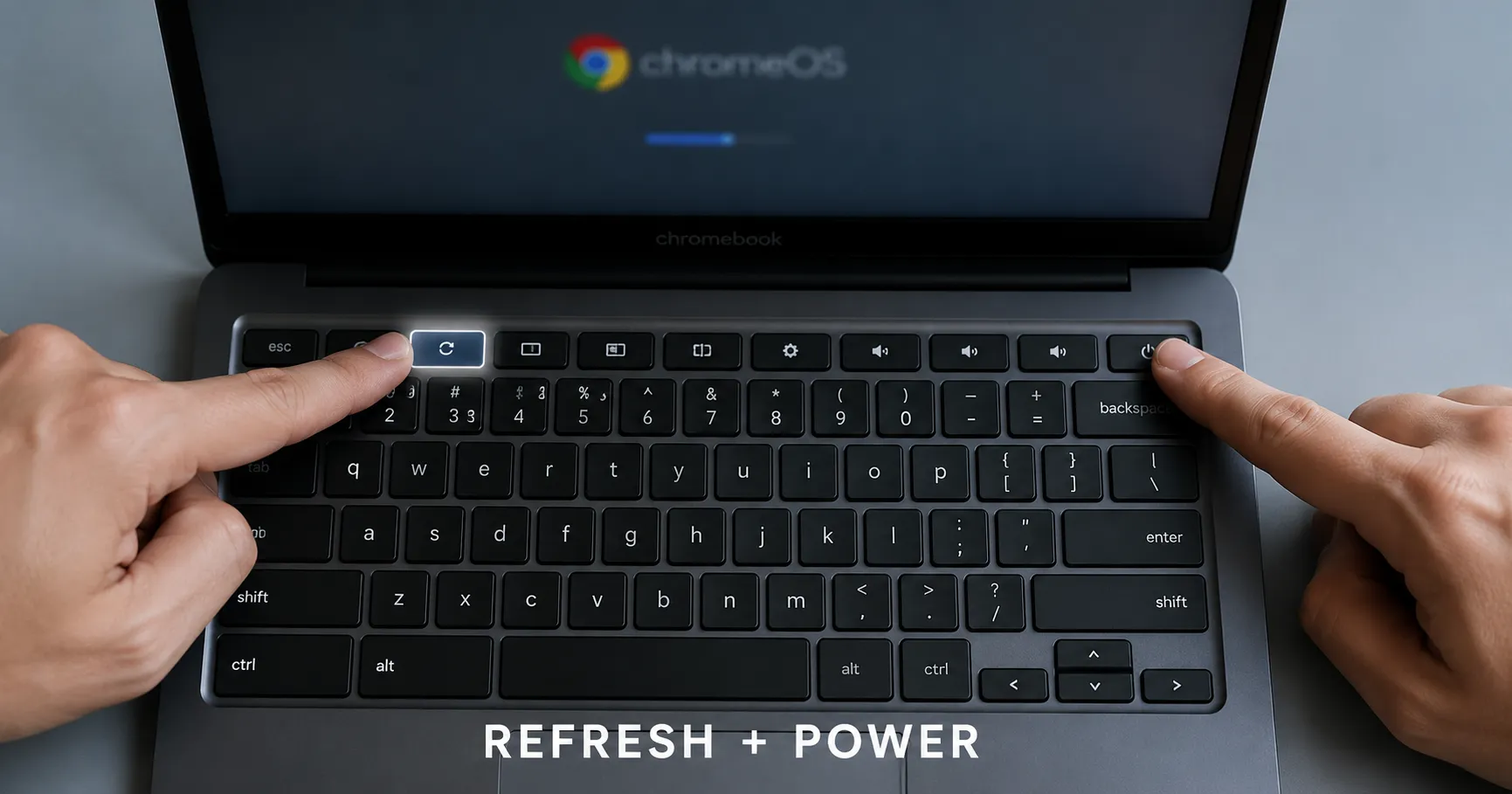
How to Hard Reset a Chromebook (Without Losing Files)
Learn how to hard reset a Chromebook to fix freezes and unresponsive hardware, why it keeps your files, and how it differs from a Powerwash factory reset.
How to Split Screen on a Chromebook
Want two windows side by side on your Chromebook? Drag a window to the left or right edge, or press Alt + [ and Alt + ]. Here is how to split the screen.
How to Connect a Chromebook to a Monitor or TV
Connect a Chromebook to a monitor or TV with an HDMI or USB-C cable, then choose mirror or extend. Here is how to set it up and fix common issues.
Can Chromebooks Get Viruses? How to Stay Safe
Chromebooks rarely get traditional viruses, but they can still be hit by bad extensions and phishing. Here is the real risk and how to clean up.
How to Right-Click on a Chromebook
There is no right mouse button on a Chromebook trackpad. Tap with two fingers or hold Alt and click to open the right-click menu. Here is how.
How to Update ChromeOS on Your Chromebook
Updating ChromeOS keeps your Chromebook fast and secure. Here is how to check for updates, install them, and what to do if no update shows up.
Why Won't My Chromebook Turn On? How to Fix It
A Chromebook that will not turn on is usually a charging or power issue, not a dead device. Work through these fixes in order to get it booting again.
.webp)
How to Factory Reset a Chromebook (Powerwash)
Powerwash factory-resets your Chromebook and wipes local data. How to reset without a password, recover if it will not boot, and the managed-device limit.
How to Screenshot on a Chromebook (All the Ways)
Take a screenshot on a Chromebook with Ctrl + Show windows for the full screen, or grab just part of it. Here are all the shortcuts and where they save.
How to Flip or Rotate Your Screen on a Chromebook
Your Chromebook screen sideways or upside down? Press Ctrl + Shift + Refresh to rotate it back. Here is how to flip the screen and fix it fast.
How to Screen Record on a Chromebook (With Audio)
You can screen record on a Chromebook in seconds with a built-in tool, no app needed. Here is how to record the full screen or part of it, with audio.
Why Is My Chromebook So Slow? 7 Fixes That Actually Work
Is your Chromebook lagging, freezing, or taking forever to load pages? Here are the most common reasons it slows down, plus the exact steps to make it fast again.