Beats Studio Buds: Are They Still Worth Buying in 2026?

With newer models on the market, a recent critical security update for the Beats Studio Buds makes a strong case for their continued relevance and value.
Key Takeaways
- Apple's new 1B211 firmware for Beats Studio Buds fixes a critical microphone vulnerability (CVE-2025-20701).
- The update shows continued support for the older earbuds, a key factor in their value proposition against newer models.
- Unlike recent AirPods updates with generic notes, the Beats patch was for a specific, documented security issue.
On this page
When considering older tech, long-term support is a critical factor. Apple's recent firmware update for the Beats Studio Buds demonstrates a continued commitment to security, making them a potentially smart purchase even today.
This isn't just a minor patch; it addresses a significant vulnerability, signaling that the device is still actively maintained.
What the Latest Beats Firmware Update Fixes
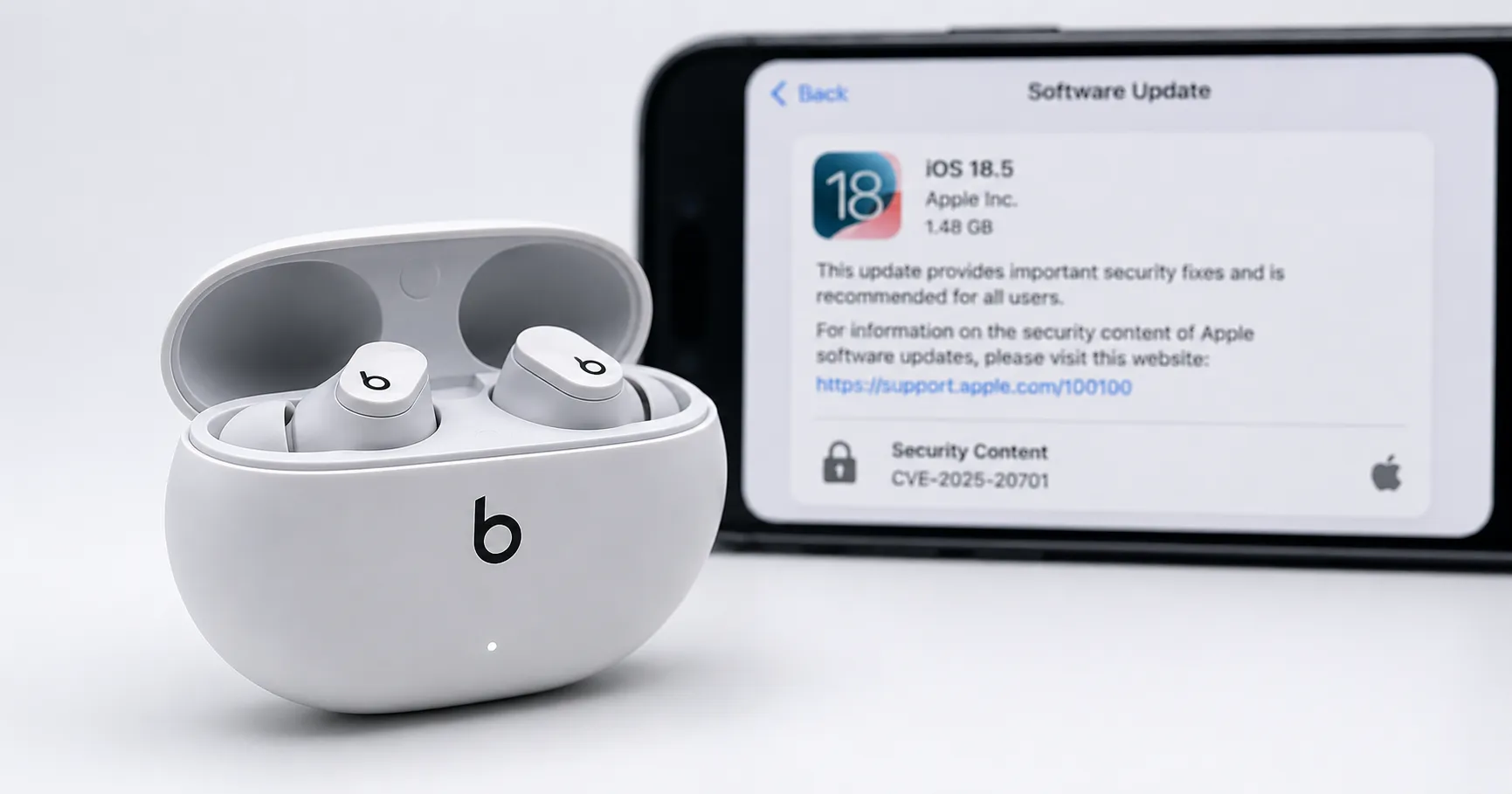
Apple released firmware version 1B211 for the Beats Studio Buds, up from the previous 1B204. The update specifically patches a serious security flaw identified as CVE-2025-20701. According to Apple's support document, as reported by 9to5Mac, this vulnerability could allow an attacker within Bluetooth range to listen through the microphone of the earbuds.
The catch is that this exploit was only possible when the Studio Buds were not yet paired and were actively searching for a device to connect to. The issue stemmed from open-source code that affected multiple projects, including Apple's software. This focus on patching potential privacy exploits is a key part of Apple's ecosystem, similar to features that distinguish between [Sign in with Apple vs Hide My Email: What's Different?](https://www.mixstackrr.com/apple/sign-in-with-apple-vs-hide-my-email-whats-different) to protect user data.
How This Update Compares to Newer AirPods
On the same day, Apple also updated the firmware for the newer AirPods Pro 3 and AirPods Pro 2 to version 8B41. What's notable is the difference in the release notes. While the Beats Studio Buds received a specific, named security patch for a critical vulnerability, the notes for the AirPods updates only mentioned general "bug fixes and other improvements," per 9to5Mac.
This distinction matters because it shows Apple is still deploying targeted, important fixes for the Studio Buds, not just rolling them into generic maintenance updates. For a potential buyer, this is a strong indicator of the product's ongoing viability and security.
How to Update Your Beats Studio Buds
You cannot manually force the firmware update, but it happens automatically under the right conditions. The process is the same for updating on an iPhone, iPad, or Mac.
- Ensure your Apple device is updated to the latest iOS, iPadOS, or macOS and is connected to Wi-Fi.
- Turn on Bluetooth and connect your Beats Studio Buds to your device.
- Place both earbuds in their charging case, close the lid, and connect the case to a power source.
- Keep the case within Bluetooth range of your paired Apple device for at least 30 minutes.
- After waiting, reconnect your Beats to check if the firmware version has been updated.
If the update fails, Apple suggests resetting your Beats and trying the process again.
References:
- 9to5Mac, Apple releases Beats Studio Buds firmware update with important microphone security fix. Accessed on Jun 17, 2026
- MacRumors, Beats Studio Buds Firmware Update Patches Bluetooth Vulnerability. Accessed on Jun 17, 2026
- MacRumors, Apple Releases New Firmware for AirPods Pro 2, AirPods Pro 3 and Beats Studio Buds. Accessed on Jun 17, 2026
About the author
The Mixstackrr Team is a group of writers and editors with more than 10 years of combined experience in SEO and consumer tech. We test devices, dig through settings, and turn everyday tech problems into clear, step-by-step guides anyone can follow.