Android Auto's Annoying Disconnect Bug Finally Has a Fix

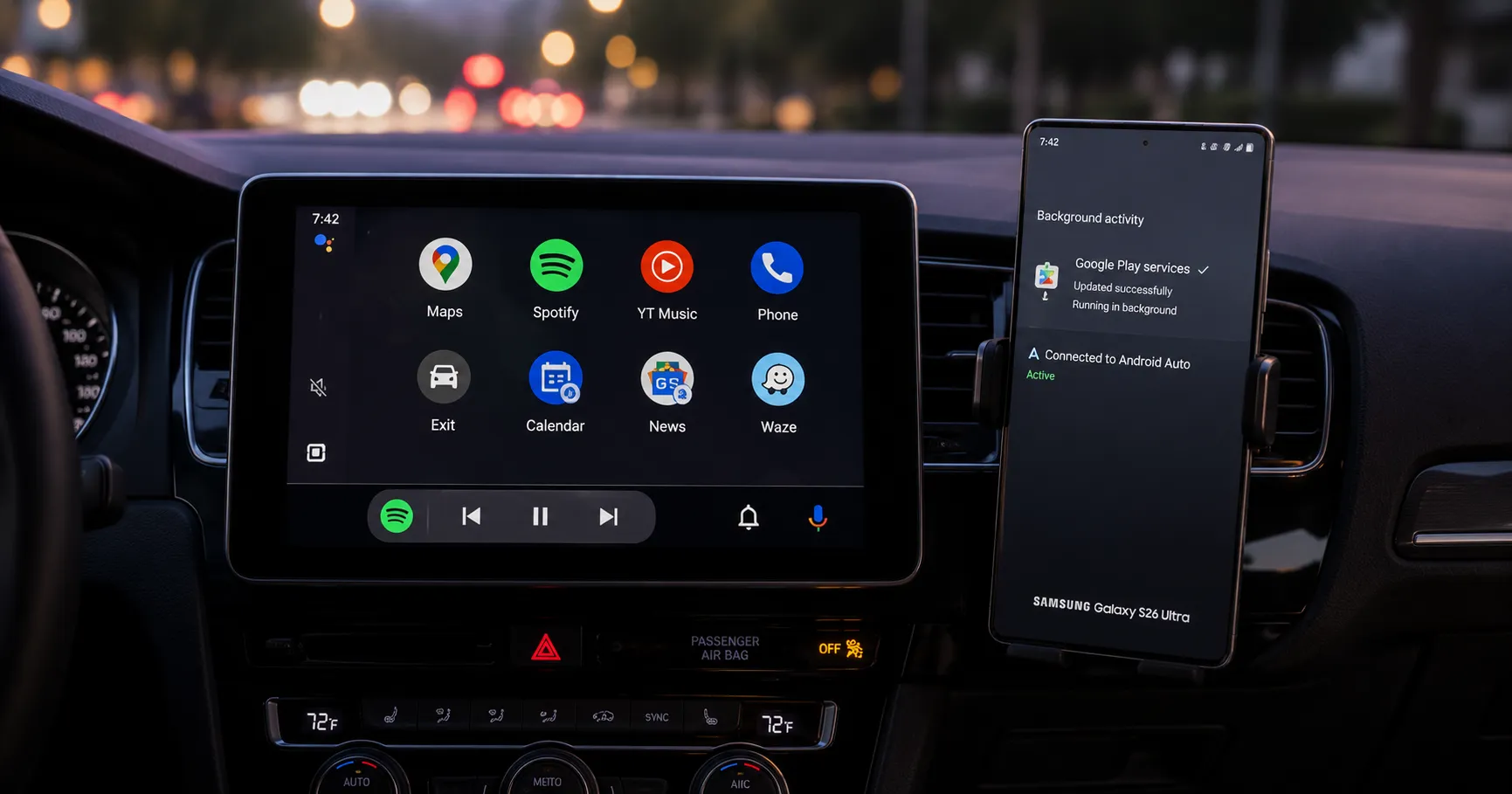
Google has released a quiet update to Google Play Services that resolves the persistent connection drops for many Android Auto users. Here's how to get the fix now.
Key Takeaways
- A new Google Play Services update reportedly fixes the Android Auto disconnection bug that started in March.
- The issue primarily affected Samsung Galaxy S26 and Google Pixel phone users with both wired and wireless connections.
- Users can manually check for the update via their phone's Settings to ensure they have the latest version.
Google has released a quiet but crucial update addressing the frustrating disconnection issues that have plagued Android Auto users for months. The fix, delivered through Google Play Services, aims to restore stability for drivers who rely on the platform. This is especially important for many Samsung and Pixel owners.
The problem began around March, coinciding with the launch of the Samsung Galaxy S26. Users reported their phones would connect to Android Auto for a moment, then immediately drop the connection. This cycle would often repeat, making the system unusable.
While most complaints came from users with wired connections, some using wireless Android Auto also experienced the issue.
The solution arrived in a Google Play Services update on Monday (June 8). According to a report from SlashGear, the release notes were vague, mentioning only "Bug fixes for Device Connections related services."
Despite the brief description, early tests suggest the update is effective. Outlets like Tom's Guide confirmed the fix worked on a Galaxy S26 Ultra, creating a stable connection that held steady.
However, this is not Google's first attempt to solve the problem. A similar bug fix was noted in an April update which failed to resolve the connection drops for most users.
The root cause of the bug remains unconfirmed by Google or Samsung. A popular theory suggests a conflict with Android's Advanced Protection security suite, but this has not been officially verified.
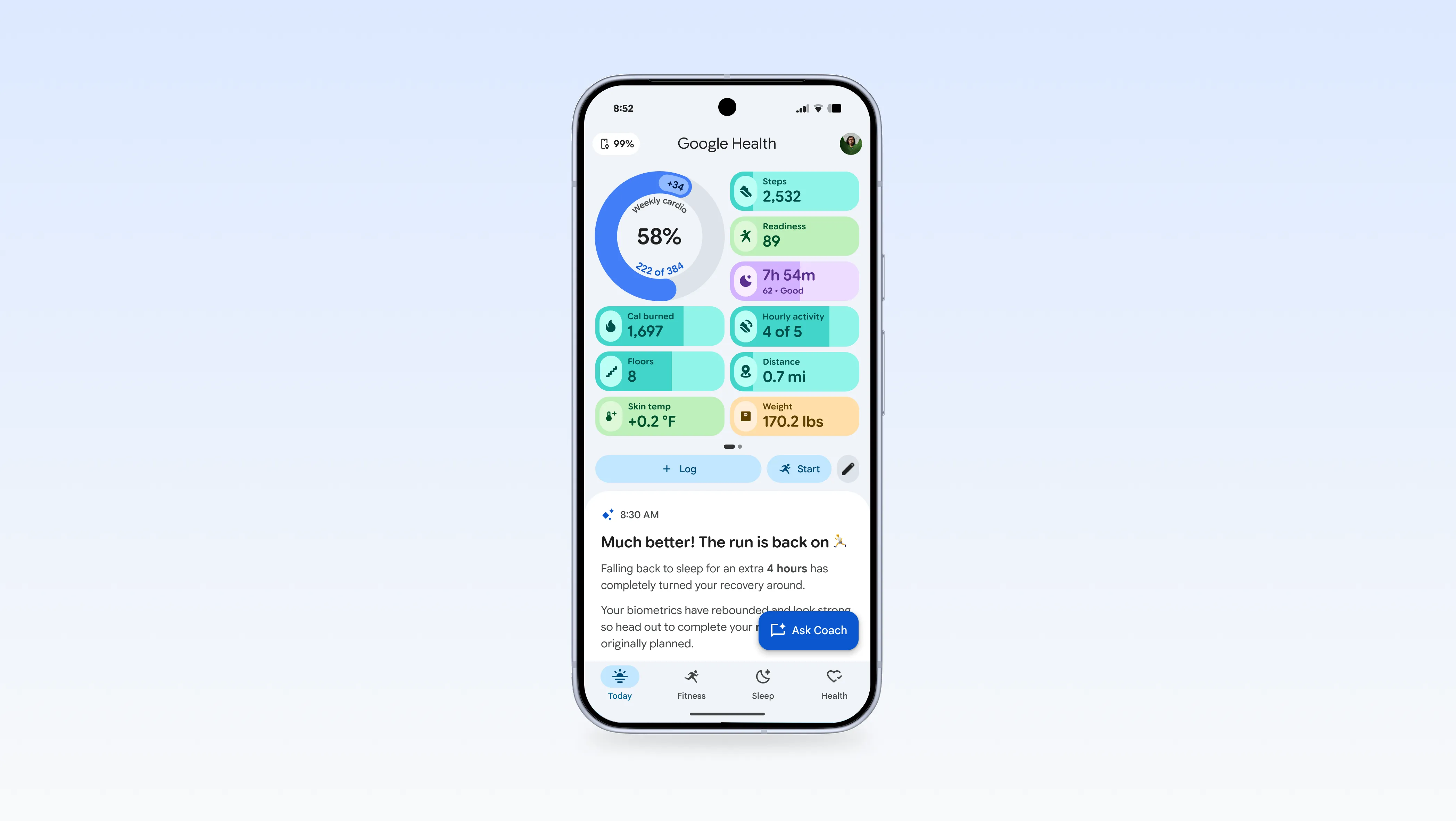
This focus on core functionality comes as Google continues to refine its other mobile experiences. For instance, a recent update to another app saw Google Health bring back features while adding a new AI coach.
For those still experiencing issues, getting the latest update is the first step. Google Play Services typically updates automatically in the background, but you can check for it manually.
First, navigate to your phone's Settings app and find the "Apps" section.
Scroll to find and tap on "Google Play Services." Then, scroll to the bottom of its info page and select "App details."
This will open its listing on the Google Play Store. If an "Update" button is visible, tap it to install the latest version containing the fix.
If the update does not solve the disconnection problem, it may be worth checking your physical connection. A worn or low-quality USB cable is a common cause of Android Auto instability.
References:
- SlashGear, Google Quietly Pushed Out A Fix For Android Auto's Disconnect Issues. Accessed on Jun 20, 2026
- ZDNET, I made 7 changes to my Android Auto setup for better functionality when I'm driving. Accessed on Jun 20, 2026
About the author
The Mixstackrr Team is a group of writers and editors with more than 10 years of combined experience in SEO and consumer tech. We test devices, dig through settings, and turn everyday tech problems into clear, step-by-step guides anyone can follow.