Google Earth Flight Simulator: How to Get Started

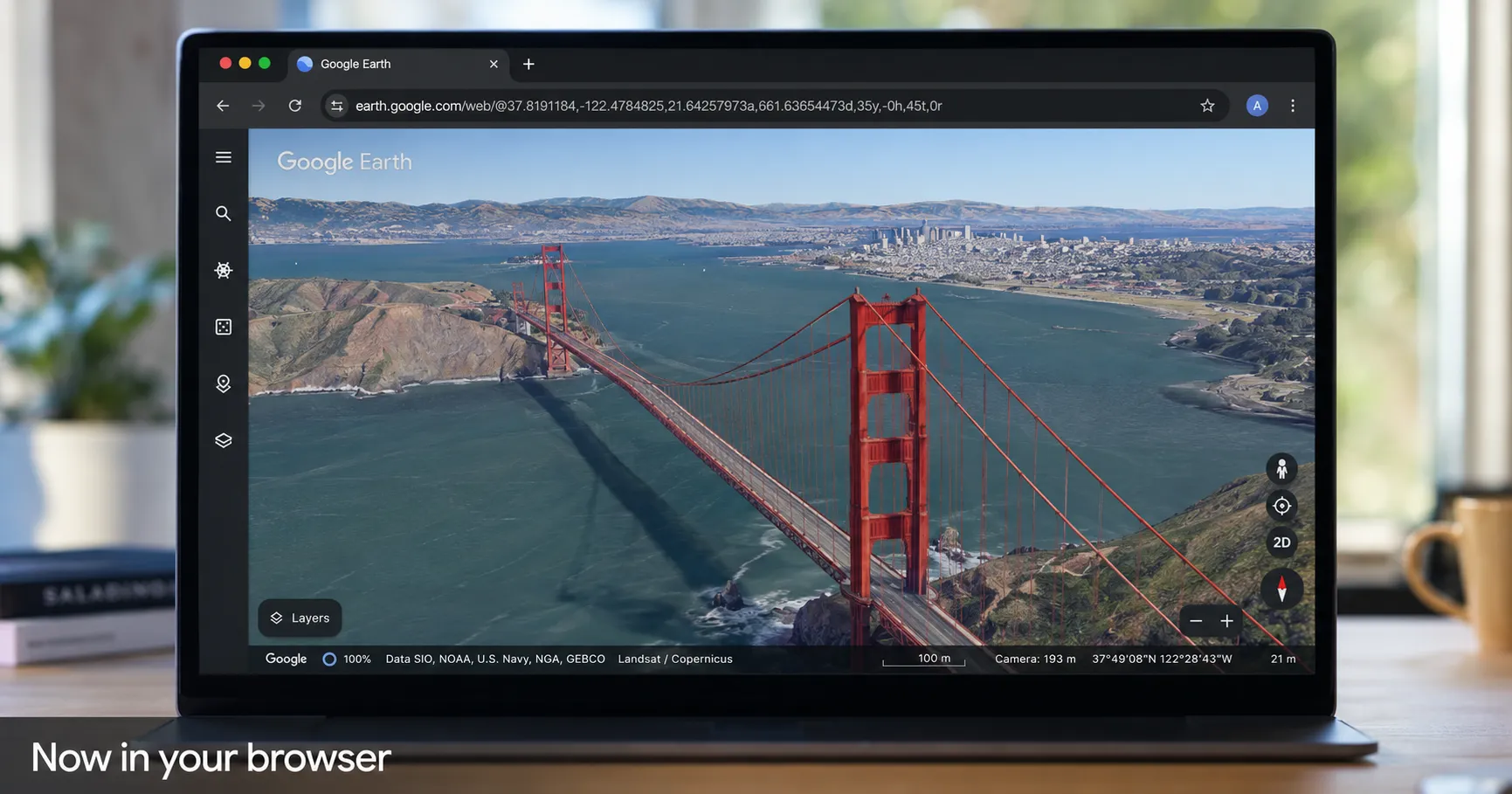
Learn how to access and use the free Google Earth flight simulator in your browser. We cover the simple steps, basic controls, and what to expect from your first flight.
Key Takeaways
- Google Earth's flight simulator is now free and accessible directly in your web browser, with no download required.
- Controls are simple (mouse or arrow keys for direction, Page Up/Down for thrust) but are not displayed in the game.
- It's a casual exploration tool with simplified physics, not a high-fidelity competitor to Microsoft Flight Simulator.
On this page
Google Earth's hidden flight simulator, a feature available on its desktop app since 2007, is now accessible directly in your web browser. This update makes it possible for anyone to virtually fly over the entire planet's 3D-mapped terrain without needing to download or install any software.
The browser-based version is part of a larger Google initiative to bring more professional-level features to its web interface, but this particular tool is designed purely for casual exploration and fun.
How to Launch the Google Earth Flight Simulator
Getting into the virtual cockpit requires just a few clicks. The entire process takes less than a minute once you have the Google Earth website loaded.
Follow these steps to begin your flight:
- Navigate to the Google Earth website and click the 'Explore Earth' button, usually found in the top right corner.
- Use the search bar to find the location where you want to start your flight. This will load the terrain before you launch the simulator.
- Click on the 'Tools' menu in the top navigation bar.
- Select 'Flight Simulator' from the dropdown list to launch the experience.
Basic Controls for Your First Flight
The simulator uses a simple control scheme, but as CNET notes, the controls are not displayed on-screen. You can use either your mouse or keyboard arrow keys to control the plane's pitch and roll.
| Action | Control |
|---|---|
| Increase Thrust | Page Up |
| Decrease Thrust | Page Down |
| Pitch & Roll | Arrow Keys or Mouse |
Be aware that the simplified flight physics make it easy to lose control. If you crash, the game ends, but you can restart as many times as you like.
What to Expect: Fun, Not Fidelity
It is important to set the right expectations before you take off. All sources agree this is not a competitor to dedicated games like Microsoft Flight Simulator. Instead, it's a casual tool that leverages the vast Google Earth database, letting you explore landmarks like the Golden Gate Bridge from a unique perspective. This feature addition is part of a broader trend where Google is enhancing its web apps, much like the recent Google Pixel Drop added new capabilities to its phones.
There are several key limitations to keep in mind. The experience is web-only and, as Engadget reports, is considered an experimental feature. According to XDA Developers, the 3D imagery streams in as you fly, which can cause temporary loading delays or lag on low-bandwidth connections or at very high speeds. The simulator has no missions, achievements, or progression systems; its sole purpose is free-form exploration.
References:
- XDA Developers, You can now fly around the world in Google Earth from the comfort of your browser. Accessed on Jun 16, 2026
- CNET, Google Earth's Flight Simulator Is Now on Browsers: Here's How to Play. Accessed on Jun 16, 2026
- Engadget, Google Earth's flight simulator mode is now available in your browser. Accessed on Jun 16, 2026
About the author
The Mixstackrr Team is a group of writers and editors with more than 10 years of combined experience in SEO and consumer tech. We test devices, dig through settings, and turn everyday tech problems into clear, step-by-step guides anyone can follow.