Beyond Text: The Best AI Tools for Marketing Visuals and Video

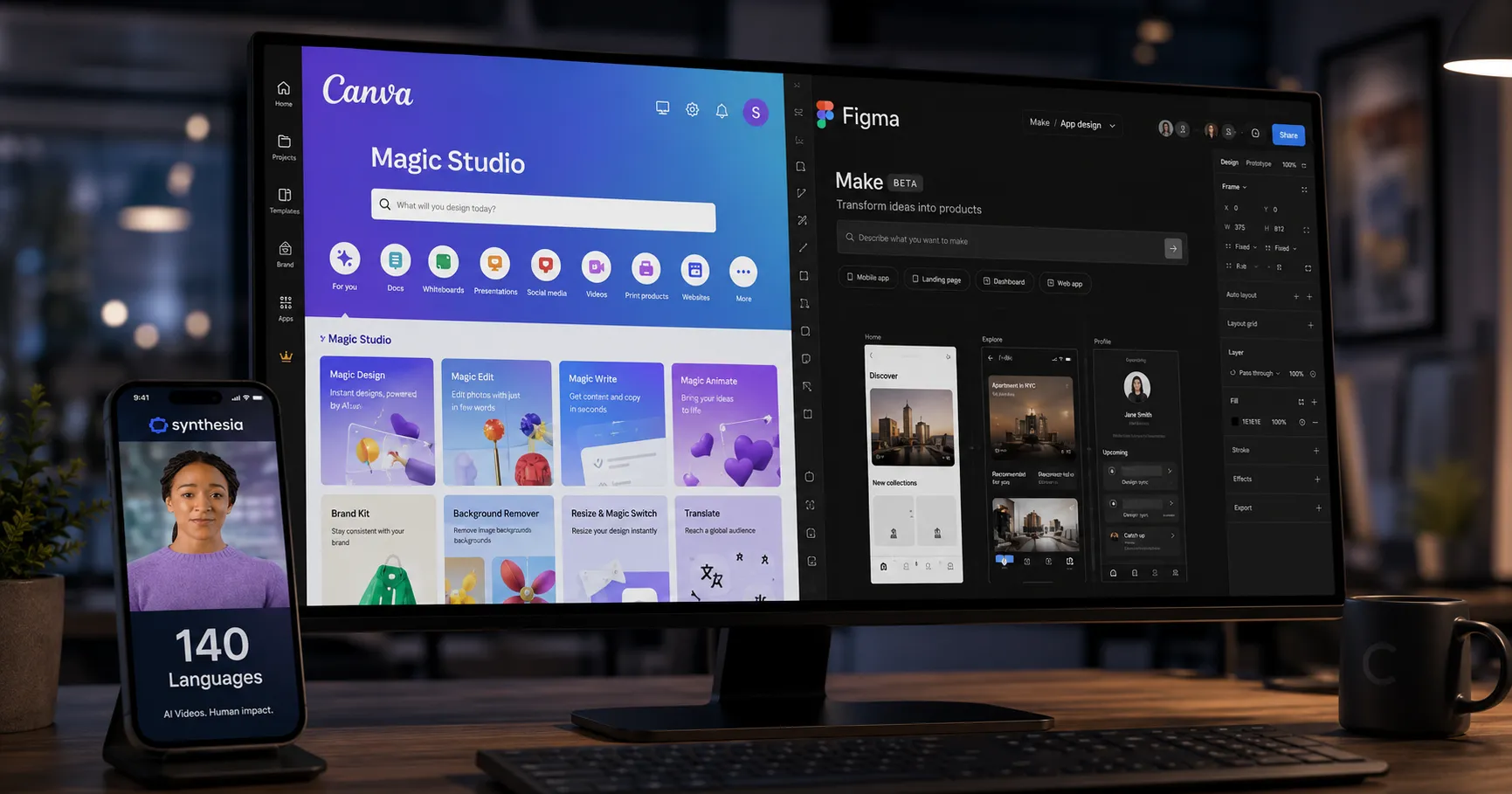
Ditch the design bottleneck. Discover the top AI tools like Canva and Figma that turn simple text prompts into stunning marketing graphics, videos, and UI mockups.
Key Takeaways
- Canva's Magic Studio is the best all-in-one tool for marketers needing fast, template-driven graphics and simple videos for campaigns.
- Figma Make excels at a specific task: generating high-fidelity, interactive UI/UX prototypes directly from text prompts for product teams.
- For specialized needs, tools like Synthesia (AI avatar videos) and Ideogram (text-heavy graphics) offer powerful, focused solutions.
On this page
Creating high-quality visuals is essential for any marketing campaign. It often requires specialized design skills and significant time. AI-powered design platforms change this by allowing anyone to generate compelling assets from simple text prompts.
These tools empower marketing teams to produce professional graphics and videos with remarkable speed. Understanding which platform fits your workflow is key. Choosing the right AI marketing tools depends entirely on your primary goal.
The Generalist Toolkit: Canva Magic Studio
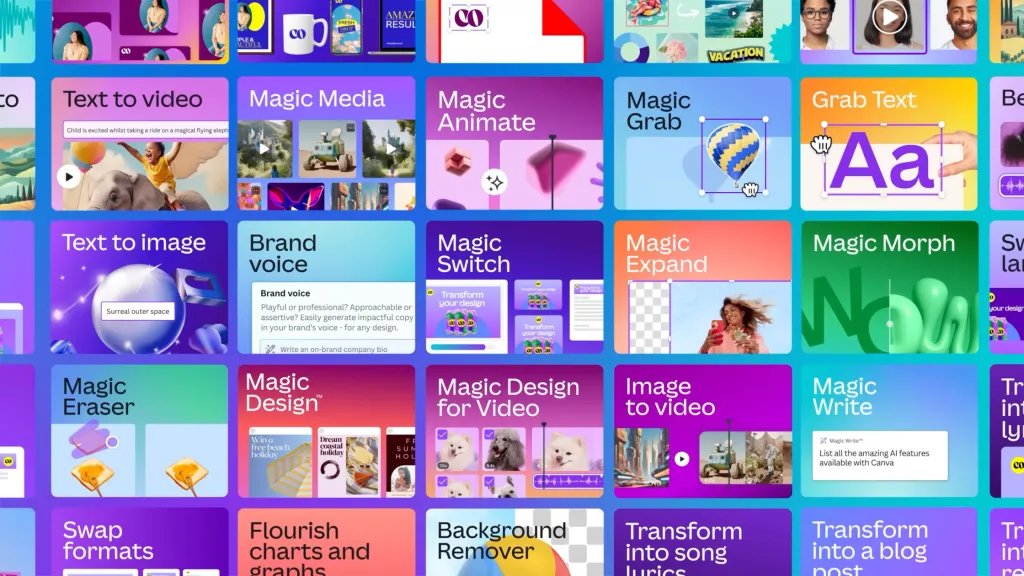
For marketers needing a versatile solution, Canva Magic Studio is a leading contender. It functions as a comprehensive toolkit built for speed and ease of use. This makes it ideal for teams without dedicated designers.
According to a review from Webolutions, it integrates full AI features directly into the familiar interface. Key capabilities include:
- Magic Media: Generate custom images and videos directly from text descriptions.
- Magic Switch: Instantly reformat a design for different platforms, like turning a presentation slide into a social media post.
- Editing Tools: Features like Magic Eraser remove unwanted objects from photos, while Magic Expand adjusts image framing seamlessly.
Canva is not built for detailed interactive prototyping. Its strength lies in producing a high volume of marketing assets for campaigns and social media.
The Image Standard: ChatGPT Images 2

ChatGPT Images 2 provides the strongest capability for generating pure marketing images. Its rendering precision is highly reliable for standalone graphic needs.
A highly recommended workflow involves integrating Claude to write detailed image prompts. You then feed those exact commands into ChatGPT Images 2 to produce the final advertisement imagery. This combination yields superior results compared to using a single platform.
Interactive UI/UX: Figma Make
Figma targets a different user entirely. Its Figma Make capability focuses on converting text prompts into interactive prototypes. This shift aids product teams and developers directly.
Instead of generating a static image, Figma Make builds functional web app interfaces. You describe a user flow or a screen layout to initiate the process. The AI generates interactive components and suggests missing screens.
It produces React-based code with Tailwind CSS for stakeholder reviews. This specific focus means it lacks the tools for standalone social media campaigns.
Premium Video Production: Higgsfield Marketing Studio
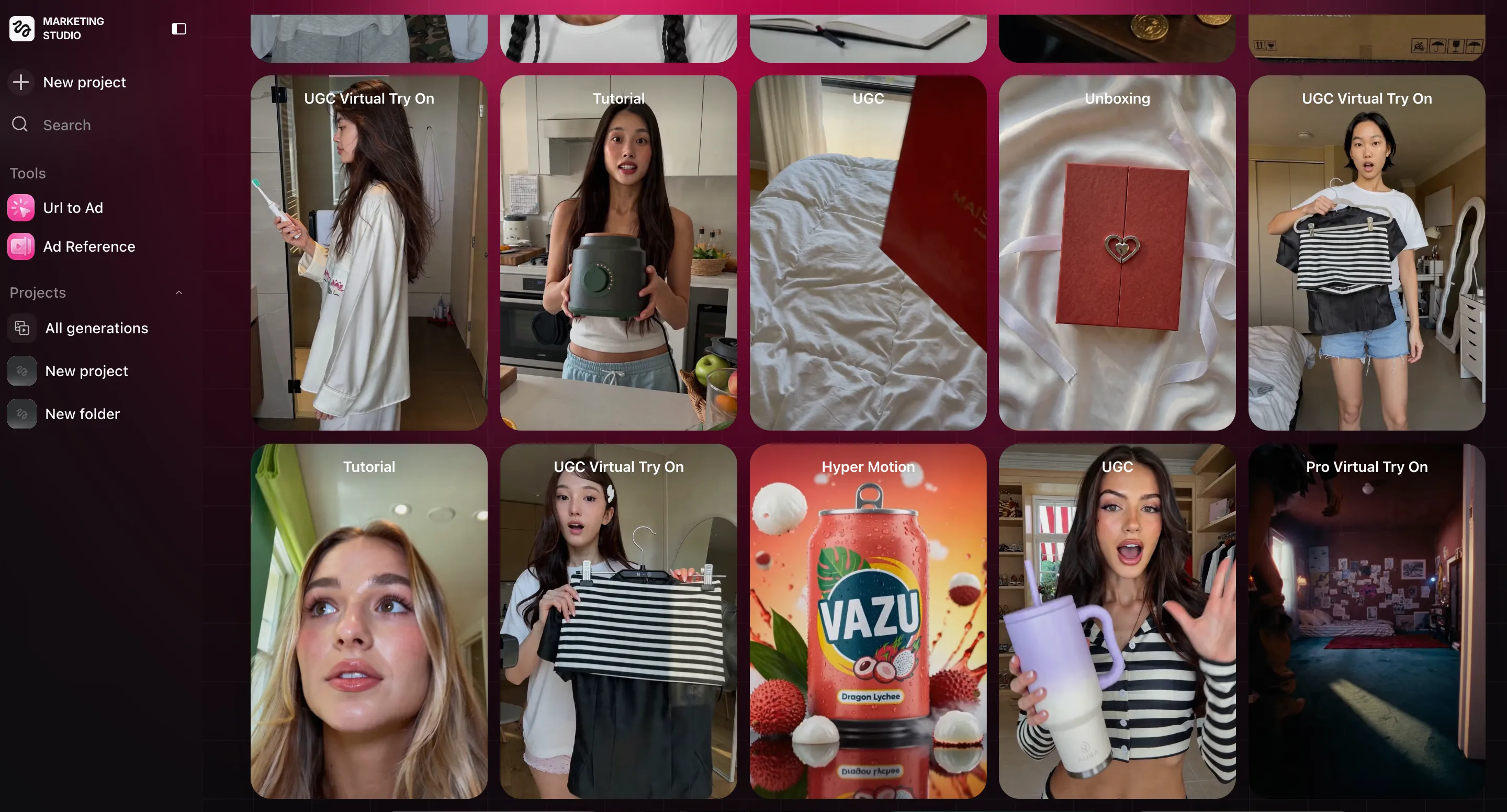
Marketers seeking professional-grade video generation should use Higgsfield Marketing Studio. This premium option commands a higher price but delivers output quality that standard tools cannot match.
The platform utilizes Kling and Seedance. These two represent the most advanced AI video engines currently available globally. You gain access to precise controls for lighting, motion, and product placement.
Comparing Primary Workflows
Your choice between platforms depends entirely on the visual asset you need to create. One operates as a broad marketing tool, while others serve highly specific functions.
| Feature | Canva Magic Studio | Figma Make | ChatGPT Images 2 | Higgsfield Studio |
|---|---|---|---|---|
| Primary Use Case | Fast marketing content generation | Interactive UI/UX prototypes | High-precision marketing imagery | Premium video ad production |
| Image Generation | Excellent for campaigns | Not a primary feature | Superior standalone quality | Not a primary feature |
| Video Generation | Good for short social content | Not a primary feature | Not a primary feature | Industry-leading (Kling/Seedance) |
| Target User | Marketers and small business owners | UI/UX designers and developers | Creators needing static visuals | Professional video marketers |
Other Specialized Platforms
Beyond the core platforms, a growing ecosystem addresses specific visual needs. As noted by Phygital.plus, different platforms excel in niche areas.
- Synthesia: A platform for creating videos using AI avatars in over 140 languages.
- Uizard: This tool turns text prompts and hand-drawn sketches into clickable UI prototypes.
- Ideogram: This generator handles text-heavy graphics exceptionally well, accurately rendering text within images.
The Verdict
AI democratizes visual content creation, but there is no single perfect tool for every task. Your decision must align with your primary objective.
Choose Canva Magic Studio for a fast platform to create a wide variety of standard visual assets. Choose Figma Make if your work revolves around building and testing interactive UI prototypes.
For high-end image production, pair Claude prompting with ChatGPT Images 2. If your budget allows for top-tier video ads, Higgsfield Marketing Studio offers the best engines on the market. By matching the specific tool to your exact task, you maximize the impact of your marketing materials.
About the author
The Mixstackrr Team is a group of writers and editors with more than 10 years of combined experience in SEO and consumer tech. We test devices, dig through settings, and turn everyday tech problems into clear, step-by-step guides anyone can follow.