
Integrating AI into Your Martech Stack: A Guide to Avoiding Data Silos

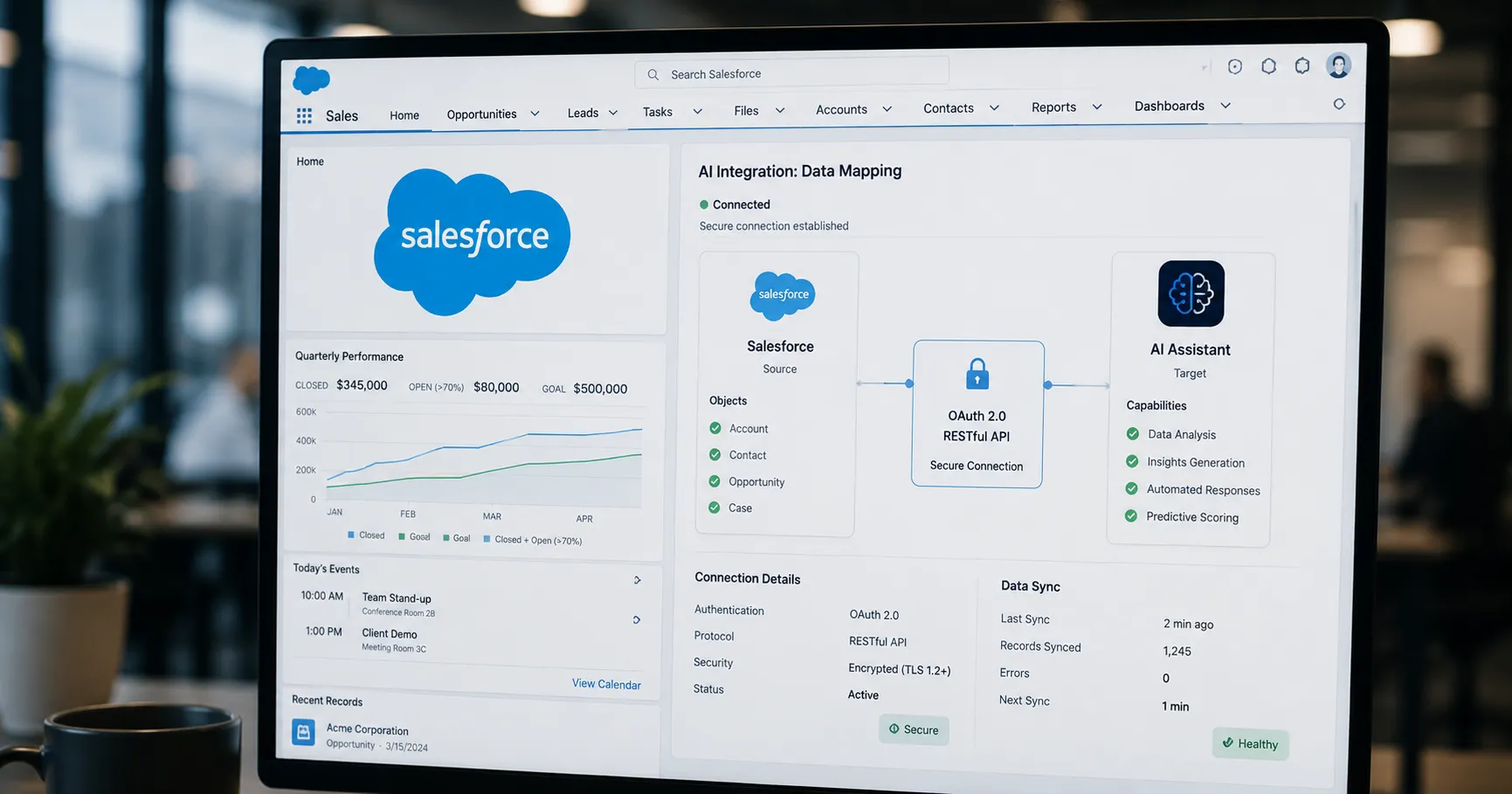
Adding AI to your marketing stack can create data silos if not done carefully. Learn how to evaluate AI tools, connect them to your CRM, and ensure seamless data flow.
Key Takeaways
- Define specific business problems and KPIs before evaluating any AI tool to ensure it aligns with your strategic goals.
- Prioritize AI tools with native integrations or well-documented APIs to prevent data silos and reduce long-term maintenance.
- A successful integration requires a clear plan for data flow to and from your CRM, which serves as the central source of customer truth.
On this page
Integrating a new AI tool into your marketing technology stack is more than just adding software; it's a data strategy. Without a clear plan, you risk creating isolated data silos that undermine the very efficiency you seek to gain. This guide provides a practical framework for connecting new AI platforms to your existing systems, ensuring data flows seamlessly from day one.
Step 1: Define Your Integration Goals First
Before you look at any AI vendor, you must define what business problem you are trying to solve. This foundational step dictates your entire strategy and prevents you from adopting a powerful platform that doesn't fit your workflow. A clear goal is a prerequisite for choosing the right AI marketing tools.
Ask your team these key questions:
- What specific marketing processes do we need to enhance or automate?
- What data do we currently have, and what data will the AI need to function effectively?
- How will we measure success using specific key performance indicators (KPIs)?
Common use cases include using AI for predictive lead scoring, personalizing website content in real-time, or optimizing advertising spend across multiple channels.
Step 2: Evaluate an AI Tool’s Integration Capabilities
Once your goals are clear, evaluate potential tools based on how well they connect with your existing stack. This technical due diligence is the most important part of avoiding data silos. Prioritize tools with robust, well-documented APIs and native connectors over those that require extensive custom work.
Look for these four critical features:
- API Availability: The tool should offer a well-documented RESTful API. Check for any rate limits that could throttle your data flow and confirm it supports webhooks, which allow for real-time notifications between systems.
- Pre-built Integrations: Native connectors to your CRM (like Salesforce or HubSpot) or analytics platforms are the gold standard. They are generally more stable, secure, and easier to maintain than custom-built solutions.
- Data Compatibility: Ensure the tool can handle your required data formats (such as JSON, XML, or CSV) and provides a straightforward way to map fields between systems.
- Security and Compliance: Any integration must use secure authentication methods, like OAuth 2.0, and comply with relevant data privacy regulations like GDPR and CCPA.
If a direct API integration is too complex for your team, low-code platforms like Zapier, Make, or Workato can serve as an effective bridge between your systems.
Step 3: Connect Your AI Tool to Your CRM
Your Customer Relationship Management (CRM) system is the central hub for customer data, making it the most critical integration point. A successful connection creates a unified view of the customer, allowing the AI to generate insights and your team to act on them effectively.
The connection process depends on your technical resources and the tool's capabilities. Here is a comparison of the common methods:
| Method | Best For | Effort Required |
|---|---|---|
| Native Integration | Speed and reliability; used when a pre-built connector exists for your CRM. | Low |
| iPaaS (e.g., Zapier) | Less technical teams or for connecting multiple apps with visual workflows. | Medium |
| Custom API | Complex, unique workflows where no native or iPaaS solution fits the need. | High |
Regardless of the method, you must meticulously map the data flow. Decide what CRM data the AI needs (e.g., customer demographics, purchase history) and what AI-generated insights need to be written back into the CRM (e.g., an updated lead score, predicted churn risk, or a personalized product recommendation).
About the author
The Mixstackrr Team is a group of writers and editors with more than 10 years of combined experience in SEO and consumer tech. We test devices, dig through settings, and turn everyday tech problems into clear, step-by-step guides anyone can follow.