How to Flip or Rotate Your Screen on a Chromebook

Your Chromebook screen sideways or upside down? Press Ctrl + Shift + Refresh to rotate it back. Here is how to flip the screen and fix it fast.
Key Takeaways
- Press Ctrl + Shift + Refresh to rotate the Chromebook screen 90 degrees.
- Keep pressing the shortcut to cycle through all four orientations.
- You can also rotate from Settings if you prefer menus.
- An upside-down screen is almost always an accidental shortcut press.
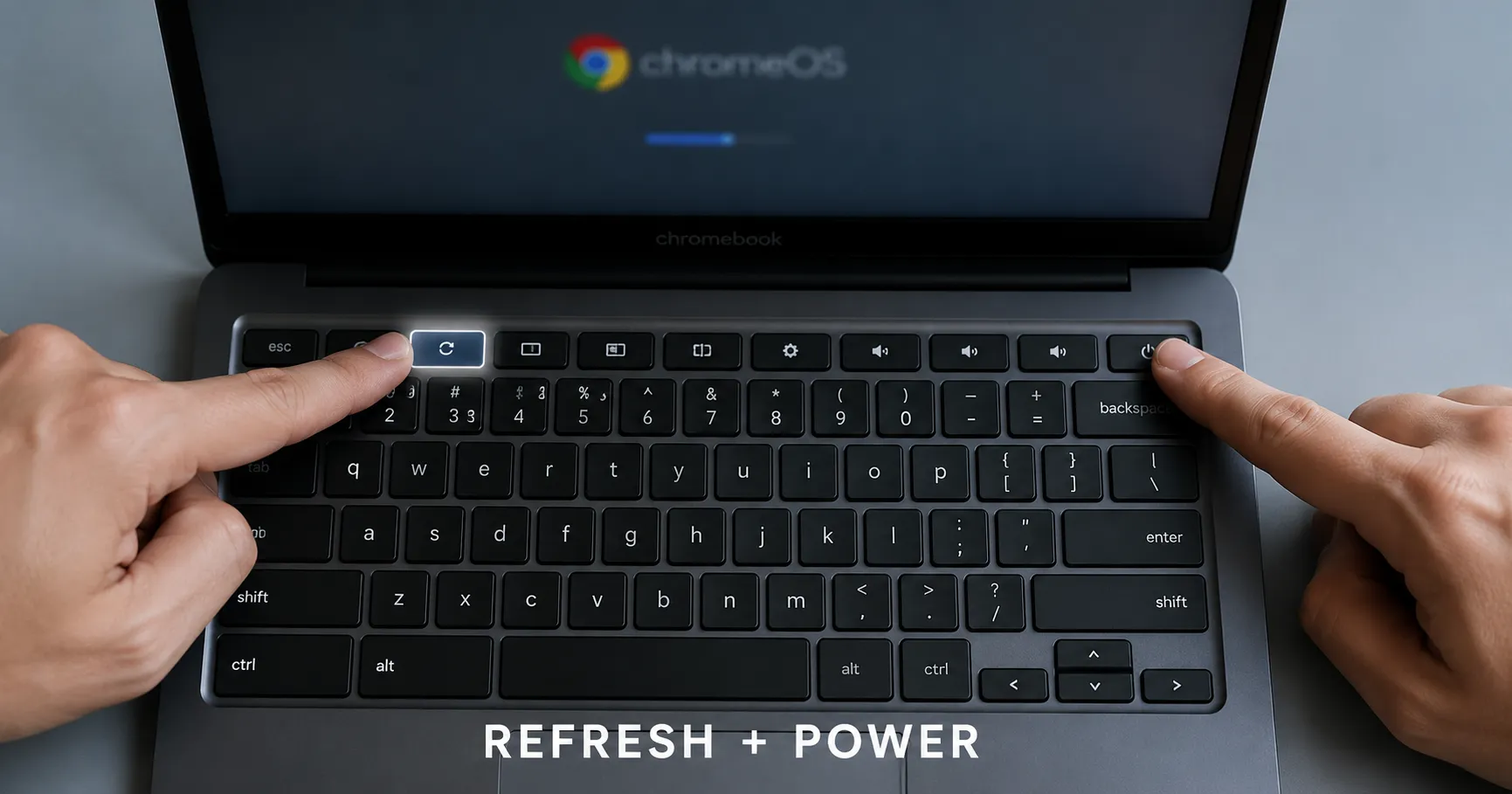
To flip your Chromebook screen, press Ctrl + Shift + Refresh (the Refresh key is the circular arrow in the top row). Each press rotates the display 90 degrees. Keep pressing until the screen is back the way you want it. Here is everything you can do with screen rotation.
Rotate with the keyboard shortcut
This is the fastest way and the reason most people land here, usually after pressing it by accident.
- Press Ctrl + Shift + Refresh.
- A confirmation box appears. Click Continue.
- Each press turns the screen another 90 degrees: landscape, portrait, upside down, and back.
To get back to normal, just keep pressing the shortcut until the display is upright again.
Rotate from Settings
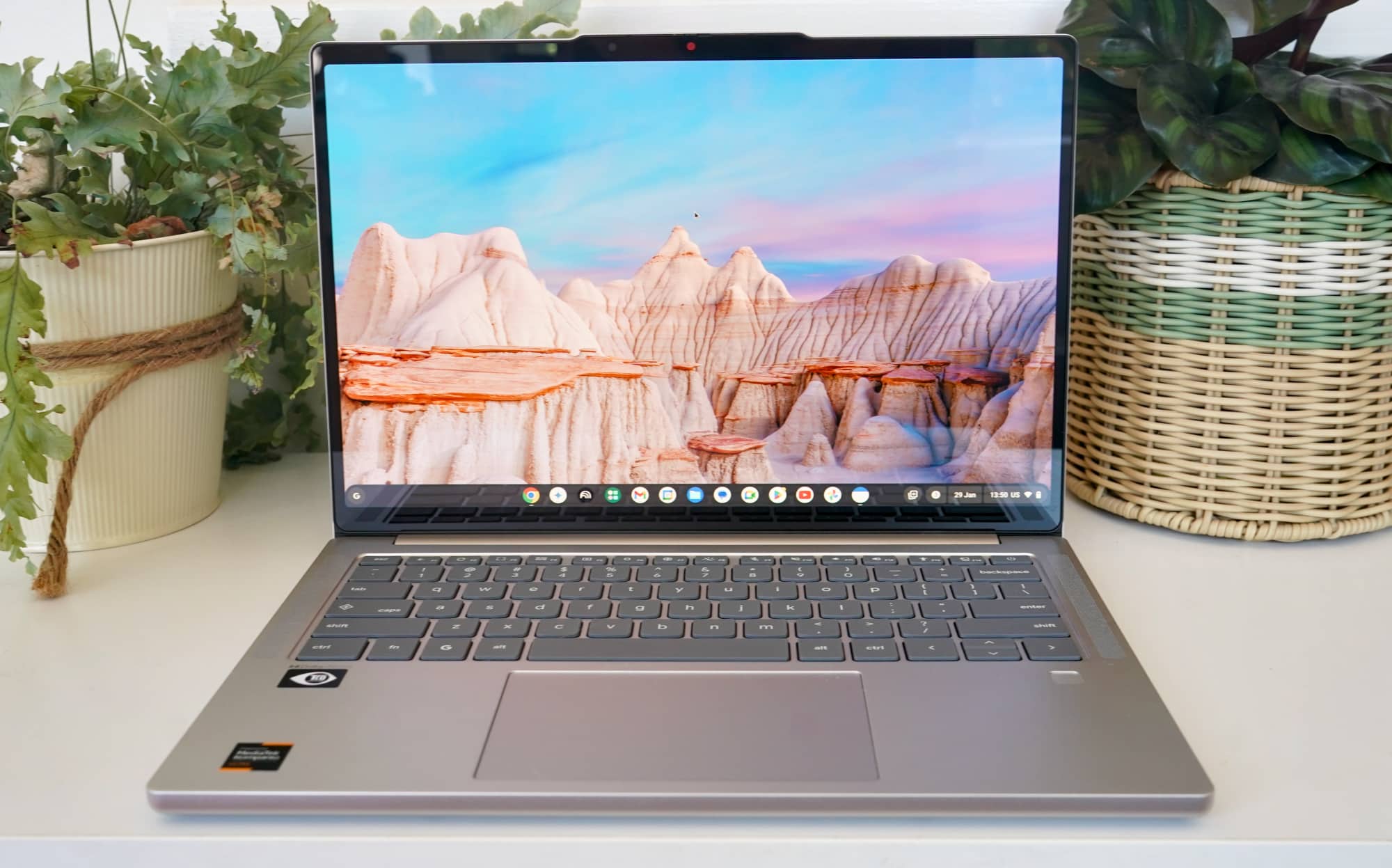
If you prefer menus, or your keyboard shortcut is disabled, use the display settings.
- Open Settings.
- Go to Device > Displays.
- Find Orientation and choose 0, 90, 180, or 270 degrees.
What about tablet mode?
If your Chromebook is a 2-in-1, it rotates automatically when you turn the device in tablet mode. To lock it, open the Quick Settings panel in the bottom right and tap the auto-rotate button to switch between auto and locked.
Recap
Ctrl + Shift + Refresh flips the screen 90 degrees per press. Cycle it back to upright, or set an exact orientation in Settings > Device > Displays. While you are in there, it is a good time to check for a ChromeOS update too.
Frequently asked questions
How do I unrotate my Chromebook screen?
Press Ctrl + Shift + Refresh repeatedly until the screen returns to its normal upright position. Each press rotates it 90 degrees.
Why did my Chromebook screen flip sideways?
You most likely pressed Ctrl + Shift + Refresh by accident. Press it again to rotate back to normal.
Can I rotate the screen without the keyboard?
Yes. Go to Settings, then Device, then Displays, and pick an orientation under the Orientation setting.
About the author
The Mixstackrr Team is a group of writers and editors with more than 10 years of combined experience in SEO and consumer tech. We test devices, dig through settings, and turn everyday tech problems into clear, step-by-step guides anyone can follow.